If you are a trained Prime For Life instructor and forgot your password to www.primeforlife.org, follow the steps below to reset your password.
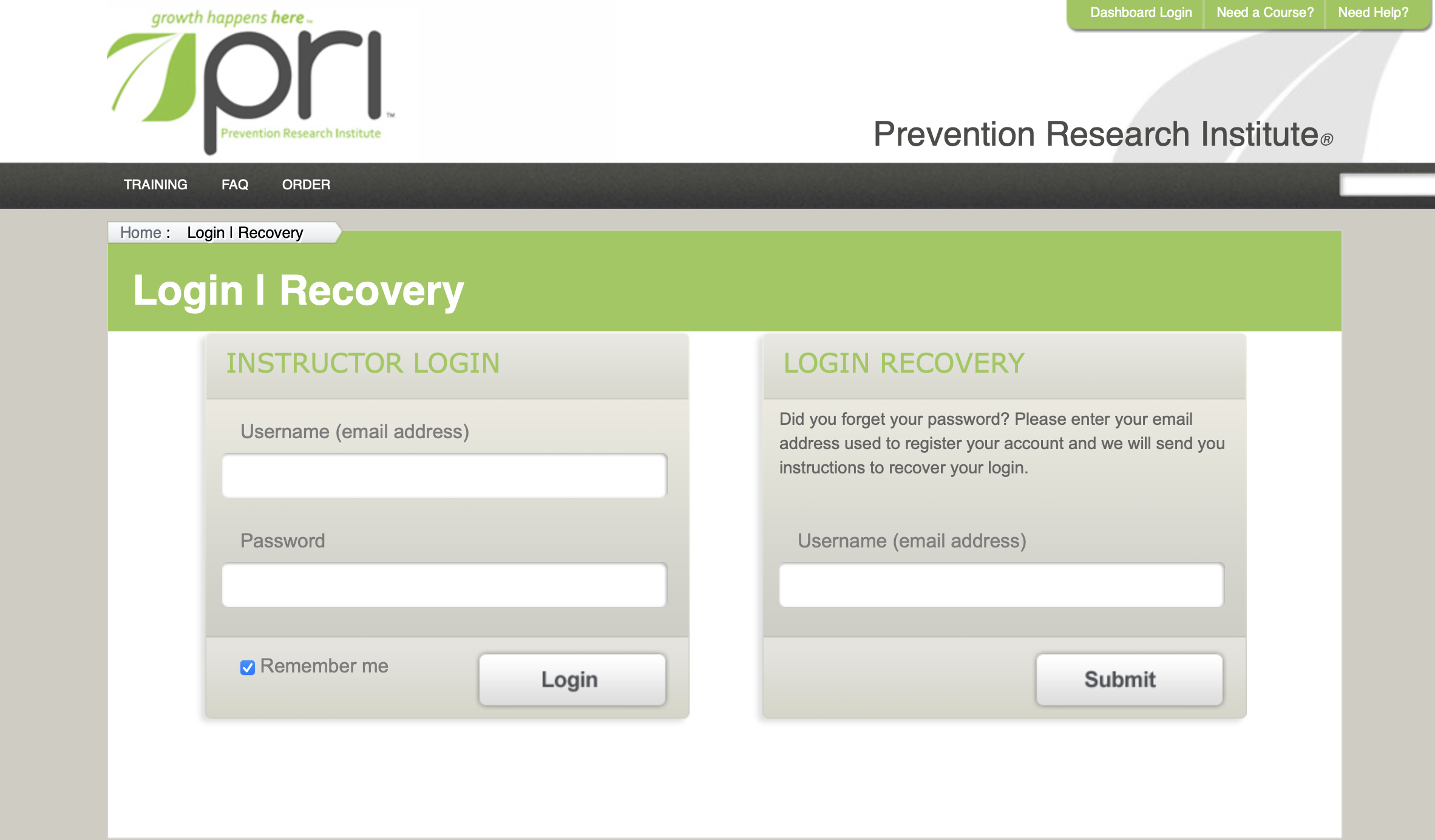
Instructions to reset your password for www.primeforlife.org
Step-by-step guide
- Step 1: Go to https://instructor.primeforlife.org/Account/LogOn and choose the "Forgot Login" option
- Step 2: Enter the email address associated with your Prime For Life account
- Step 3: Check your email for the reset link
- Step 4. If you do not see the email, check your junk folder
Note:
- Note, if you are currently in training and have passed your completion deadline, it will not recognize your email. If this is the case, please email support@primeforlife.org.
- Receiving an error? Duplicate account? Web access not enabled? Contact support@primeforlife.org
Was this article helpful?
That’s Great!
Thank you for your feedback
Sorry! We couldn't be helpful
Thank you for your feedback
Feedback sent
We appreciate your effort and will try to fix the article